
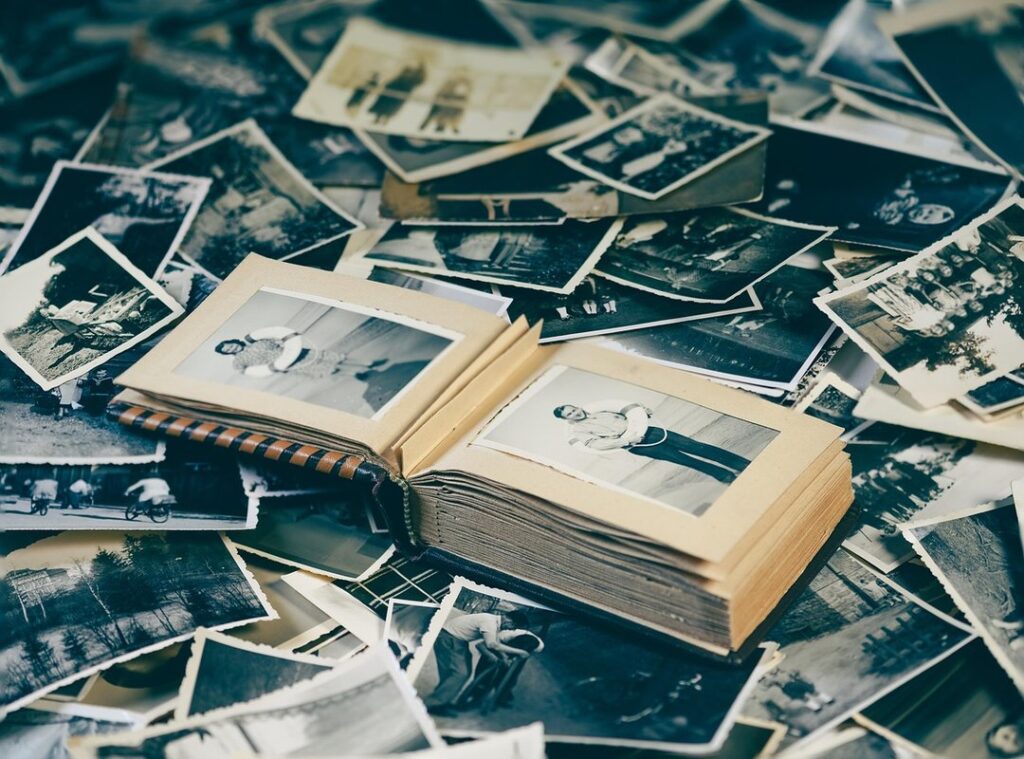
A profile picture, or imo dp photo , is often the first thing people see on messaging apps like Imo. It’s your digital handshake, so to speak, and you want it to be just right.
You’re here because you want to know everything about managing your imo dp photo. Maybe you need to change it, or you’re worried about privacy. I get it.
This guide will walk you through every step. By the end, you’ll know how to update your photo, fix any issues, and set your privacy settings. No more guessing.
Let’s dive in.
How to Change Your Imo DP Photo: A Step-by-Step Walkthrough
Changing your IMO DP photo is pretty straightforward. Here’s a quick guide to help you through it.
Step 1: Open the Imo app and tap on your current profile picture icon, usually located in the top-left corner.
Step 2: Tap on your name or the ‘Edit’ button to access your profile settings.
Step 3: You will see options to ‘Take a Photo’ using your camera or ‘Choose from Album’ to select an existing picture from your phone’s gallery.
Step 4: If you choose ‘Take a Photo,’ use your camera to snap a new pic. If you go with ‘Choose from Album,’ pick a photo you like from your gallery.
Step 5: Adjust the photo by pinching and dragging to fit it perfectly within the circle. This part can be a bit fiddly, but take your time to get it right.
Step 6: Once you’re happy with how it looks, tap ‘Save’ or the checkmark icon to confirm your new DP.
That’s it, and your IMO DP photo is now updated.
If you want, you can also use the ‘Avatar’ feature as an alternative to a real photo. It’s a fun way to personalize your profile without using a real picture.
Why Can’t I Change My Imo Photo? Common Problems and Fixes
Ever tried to update your imo dp photo only to find it stuck in the past? Frustrating, right? Let’s dive into some common issues and how to fix them.
Problem 1: Poor Internet Connection
Think of your internet connection like a highway. If it’s congested or poorly maintained, nothing moves smoothly. Switch from mobile data to a stable Wi-Fi network and try again.
Problem 2: App Permissions
Imagine the Imo app is a guest at your house. It needs permission to use certain rooms. Go to your phone’s settings, find the Imo app, and ensure it has permission to access both the ‘Camera’ and ‘Storage’ or ‘Photos’.
Problem 3: Outdated App
Just like an old car, an outdated app can have all sorts of issues. Check the Google Play Store or Apple App Store for any available updates for Imo. Bugs are often fixed in new versions.
Problem 4: Corrupted Cache
Sometimes, the cache is like a cluttered closet. Clearing it out can help. Go to your phone’s settings, find the Imo app, and clear its cache.
This can resolve loading issues without deleting personal data. Undergarcade
Problem 5: Incorrect Photo Format
Using a very unusual image format is like trying to fit a square peg into a round hole. Try using a standard JPEG or PNG file instead. It should work much better.
| Problem | Solution |
|---|---|
| Poor Internet Connection | Switch to a stable Wi-Fi network. |
| App Permissions | Ensure the Imo app has access to Camera and Storage/Photos. |
| Outdated App | Update the Imo app to the latest version. |
| Corrupted Cache | Clear the Imo app’s cache through phone settings. |
| Incorrect Photo Format | Use a standard JPEG or PNG file. |
These fixes should help you get that imo dp photo updated in no time.
Controlling Who Sees Your Imo Profile Picture

Privacy settings for your personal photo are a big deal. They help you control who can see and potentially misuse your imo dp photo.
Head to the privacy section in the Imo app’s settings menu. It’s usually found under Settings > Privacy > Profile Photo.
You’ll find a few options there. ‘Everyone’ means anyone using the app can see your profile picture. ‘My Contacts’ limits it to just the people in your contact list.
‘Nobody’ keeps it completely private, so no one can see it.
If you’re okay with everyone seeing your photo, go with ‘Everyone.’ But if you want to keep things a bit more private, ‘My Contacts’ is the best choice for most users. For maximum privacy, choose ‘Nobody.’
Now, a common concern: changing your profile picture. Does it send a notification to your contacts? No, it doesn’t.
So, you can update your photo without worrying about notifications.
By setting these controls, you get peace of mind. You decide who sees your photo, and that’s a huge benefit.
Tips for Choosing the Perfect Imo DP
Choosing the right imo dp photo is more important than you might think. It’s your digital first impression, after all.
Use a clear, well-lit photo where your face is easily visible. This helps friends and family recognize you right away.
A simple, uncluttered background makes your face the main focus. You don’t want anything distracting from you.
Go with a recent photo. It’s no fun when people expect you to look one way, but you show up looking different.
The photo will be cropped into a circle. So, choose an image where the main subject is centered. This avoids any awkward cropping.
| Tip | Description |
|---|---|
| Clear and Well-Lit | Make sure your face is easily visible. |
| Simple Background | Avoid clutter to keep the focus on you. |
| Recent Photo | Show what you currently look like. |
| Centered Subject | Ensure the main subject is in the center for circular cropping. |
Follow these tips, and you’ll have a great imo dp photo that everyone will appreciate.
Making Your Imo Profile Stand Out
You now know how to set your imo dp photo, fix any issues, and manage its privacy. Remember, your imo dp photo is a key part of your digital identity on the platform. It helps create a personal connection with others.
Now that you’re an expert, go ahead and update your profile with a photo that truly represents you!

 Christophere Goldenovelino is the kind of writer who genuinely cannot publish something without checking it twice. Maybe three times. They came to latest gaming news through years of hands-on work rather than theory, which means the things they writes about — Latest Gaming News, Esports Events and Highlights, Gaming Strategies and Tips, among other areas — are things they has actually tested, questioned, and revised opinions on more than once.
That shows in the work. Christophere's pieces tend to go a level deeper than most. Not in a way that becomes unreadable, but in a way that makes you realize you'd been missing something important. They has a habit of finding the detail that everybody else glosses over and making it the center of the story — which sounds simple, but takes a rare combination of curiosity and patience to pull off consistently. The writing never feels rushed. It feels like someone who sat with the subject long enough to actually understand it.
Outside of specific topics, what Christophere cares about most is whether the reader walks away with something useful. Not impressed. Not entertained. Useful. That's a harder bar to clear than it sounds, and they clears it more often than not — which is why readers tend to remember Christophere's articles long after they've forgotten the headline.
Christophere Goldenovelino is the kind of writer who genuinely cannot publish something without checking it twice. Maybe three times. They came to latest gaming news through years of hands-on work rather than theory, which means the things they writes about — Latest Gaming News, Esports Events and Highlights, Gaming Strategies and Tips, among other areas — are things they has actually tested, questioned, and revised opinions on more than once.
That shows in the work. Christophere's pieces tend to go a level deeper than most. Not in a way that becomes unreadable, but in a way that makes you realize you'd been missing something important. They has a habit of finding the detail that everybody else glosses over and making it the center of the story — which sounds simple, but takes a rare combination of curiosity and patience to pull off consistently. The writing never feels rushed. It feels like someone who sat with the subject long enough to actually understand it.
Outside of specific topics, what Christophere cares about most is whether the reader walks away with something useful. Not impressed. Not entertained. Useful. That's a harder bar to clear than it sounds, and they clears it more often than not — which is why readers tend to remember Christophere's articles long after they've forgotten the headline.